

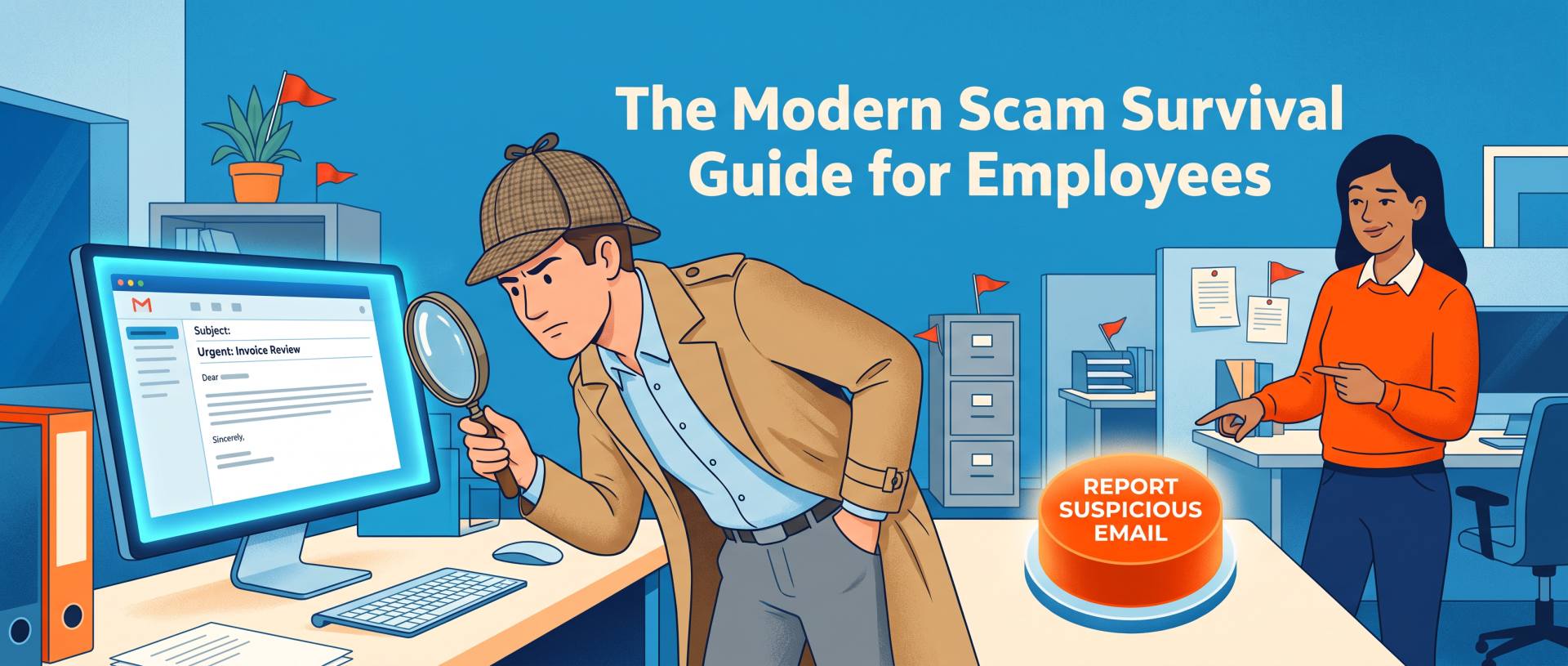
A practical framework for spotting phishing, impersonation, BEC, and increasingly convincing scams
There was a simpler time in cybersecurity.
A suspicious email arrived from somebody claiming to be a foreign prince. The grammar looked like it had been assembled during an earthquake. The sender wanted $4,000 immediately and apparently believed your accounting department accepted payment in gift cards.
You deleted it. You felt clever. Everyone went to lunch.
Modern scams are considerably less courteous.
Today’s scam may look like a perfectly ordinary Microsoft 365 notification, a vendor changing its bank information, an executive asking for an urgent payment, or a text that appears to be from a service your employee actually uses. What makes these attacks dangerous is not necessarily sophisticated hacking. Often, it is sophisticated persuasion.
And that means employee security training has to evolve too.
The Bad News: Scam Emails Don’t Have to Look Stupid Anymore
For years, phishing advice focused on warning signs such as strange grammar, spelling mistakes, ugly logos, and bizarre email formatting.
Those can still be warning signs, but they aren’t enough.
NIST warns that artificial intelligence can be used to create increasingly convincing phishing attacks and recommends taking an extra look at messages asking users to click links, download files, transfer funds, sign in to accounts, or provide sensitive information. [nist.gov]
That changes the training problem.
If employees are taught that scams look ridiculous, they’re subconsciously being taught that professional-looking messages are trustworthy.
Unfortunately, scammers have discovered spellcheck.
A modern phishing email might have perfect punctuation, use your company’s terminology, mention an actual employee, and arrive at roughly the time you would expect a legitimate request.
Employees therefore need to stop judging messages primarily by how they look and start judging them by what they’re asking them to do.
That’s a much more durable security skill.
Teach the Psychology Before the Technology
Picture this hypothetical message: Hi Jordan, I’m heading into a client meeting and need this handled before 3. Please process the attached invoice today. I’m unavailable by phone, so just reply here when it’s finished. Thanks.
There is nothing especially outrageous about it.
That’s the point.
The attacker is pressing several psychological buttons at once: authority, urgency, helpfulness, and a convenient excuse for why normal verification isn’t possible.
Business email compromise, or BEC, frequently follows this general pattern. The FBI describes BEC as one of the most financially damaging online crimes and cites examples such as fake vendor invoices and supposed CEOs requesting gift-card purchases. [fbi.gov]
The lesson employees need isn’t simply, “Don’t open weird emails.”
It is: Be suspicious when someone changes the normal rules while asking for money, credentials, sensitive information, or unusual access.
That remains useful even when the scam itself changes.
Give Employees a Simple Reflex: Pause, Verify, Report
Security training works better when employees have something simple to remember under pressure.
At Ethixa, we’d frame the habit around three actions:
1. Pause
Scammers love urgency because urgency is the natural enemy of careful thinking.
“Your password expires in 10 minutes.”
“Pay this invoice immediately.”
“I need these gift cards before the meeting.”
“Your account has been compromised.”
Each variation is trying to produce the same result: action before thought.
Employees don’t need to become suspicious of everything. They need permission to slow down when a request involves money, passwords, authentication, sensitive information, or an unusual change in procedure.
An urgent email is not automatically a scam.
But urgency should never be allowed to disable verification.
2. Verify
This is perhaps the most important habit you can teach.
Suppose someone receives a message apparently from a regular supplier: We’ve changed banks. Please send all future payments to this new account.
The employee shouldn’t verify that request by replying: Hey, is this really you?
If a criminal controls the mailbox, congratulations. You have just asked the criminal to investigate himself.
Instead, verification should occur over a trusted, independent channel. Call the vendor using the phone number already stored in your records. Contact the executive using an established company method. Open the company’s website yourself rather than following the link in the message.
CISA gives essentially the same advice: when a message feels unexpected or wrong, employees should verify it using a known contact method rather than replying or using contact information supplied by the suspicious message. [cisa.gov]
That one habit can neutralize an enormous range of scams.
3. Report
Employees should know exactly what to do when something suspicious arrives.
Not philosophically.
Literally.
Should they use a “Report Phishing” button? Forward it to IT? Open a ticket? Call someone if money was transferred?
Make the procedure obvious.
CISA> recommends regularly educating users not only to identify suspicious messages and links, but also to report suspicious interactions, including cases in which they already opened a link or attachment. [cisa.gov]
That last part matters.
Employees shouldn’t think: “I clicked it. I shall now quietly delete the email and take this secret to my grave.”
A fast report gives IT a chance to respond.
Build a culture where reporting a mistake is rewarded more than hiding one.
Stop Training Only for Email
Your employees probably don’t conduct their entire professional lives inside an email inbox anymore.
Neither do scammers.
NIST specifically notes that phishing can arrive through email, text messages, social media messages, phone calls, and even physical mail. [nist.gov]
Modern awareness training should therefore expose people to multiple scenarios.
A suspicious QR code can lead someone to a credential-stealing site. A text message can impersonate a vendor or service. A caller can claim to be technical support. A fake collaboration message can ask somebody to open a document or sign in.
The delivery vehicle changes.
The underlying manipulation often doesn’t: Trust me. Hurry. Don’t verify this normally. Give me something valuable.
Teach employees to recognize the pattern, not merely the packaging.
Make Training Look Like the Employees’ Actual Workday
If you’re training an accounting employee, show them a fake payment-change request.
If you’re training HR, show them an impersonated executive requesting employee information.
If you’re training a receptionist, demonstrate a caller using authority and urgency to extract information.
If you’re training executives, include account-takeover and impersonation scenarios.
The closer a simulation resembles the decisions someone makes at work, the easier it is to connect cybersecurity with actual behavior.
This is particularly important because there’s plenty at stake. According to the FBI, its 2025 Internet Crime Report incorporated more than one million complaints of suspected internet crime and reported losses exceeding $20 billion. [fbi.gov]
Meanwhile, the FTC reported that people lost $3.5 billion to imposter scams in 2025, with nearly one in three fraud reports falling into that category. Scammers contacted targets through text, phone, email, social media, search results, and other channels. [ftc.gov]
This isn’t a “once a year, watch a video” problem.
Run Simulations, but Don’t Turn Them Into Office Hazing
Phishing simulations can be genuinely useful.
Send employees safe simulated attacks, see what happens, then teach the lesson immediately.
But simulations should train people, not embarrass them.
A public leaderboard titled “Dave Clicked Again” may generate some entertaining Slack conversations, but humiliation is a terrible incident-response strategy.
You want employees thinking: “I should report this.”
Not: “If I report this, Steve from IT is going to put my face on a PowerPoint slide.”
Use simulations to discover which scenarios create difficulty. Follow them with short explanations showing what made the message suspicious and how it should have been handled.
And vary them.
An employee who survives 15 identical fake FedEx emails hasn’t necessarily become excellent at threat recognition. They may simply have developed an unusually intense distrust of FedEx.
Teach the High-Risk Requests
Rather than asking employees to analyze every email like a forensic scientist, teach them to recognize requests that deserve extra scrutiny.
A mental alarm should sound when a message involves:
- passwords or multifactor authentication codes
- unexpected login pages
- new banking or payment information
- wire transfers
- gift cards
- confidential company or employee data
- unexpected attachments or QR codes
- unusual software installations
- bypassing an established business process
The FBI specifically advises businesses to scrutinize requests involving account information and to independently look up contact details rather than trusting information supplied by an unsolicited message. [fbi.gov]
In other words, employees don’t need a cybersecurity degree.
They need to recognize the moment when verification becomes mandatory.
Give Employees Permission to Challenge the Boss
This one’s a management problem disguised as a cybersecurity problem.
Consider an employee who gets an unusual request apparently from the CEO.
Technically, the employee knows they should verify it.
Culturally, however, they may be thinking: “Would I rather risk a cyber incident or call the CEO and ask whether she really sent this?”
If questioning unusual requests is socially dangerous inside your organization, scammers can exploit the hierarchy for free.
Executives should tell employees explicitly: If a request from me involves money, passwords, confidential data, or breaking normal procedure, verify it. You will not get in trouble for checking.
Suddenly, verification isn’t insubordination.
It’s company policy.
That small cultural shift can be more valuable than another 45-slide training deck called “Cybersecurity Awareness FY2027 FINAL v6.”
Measure Reporting, Not Just Clicking
Training programs often obsess over one statistic: Who clicked?
That’s useful, but incomplete.
An effective program should also ask:
How many employees reported the simulation? How quickly did they report it? Did they use the correct reporting channel? Did repeat mistakes decline? Which types of requests cause the most confusion?
You aren’t trying to create employees who never make an error. Humans are not going to be patched in Tuesday’s maintenance window.
You’re trying to build an organization where suspicious behavior is recognized quickly and mistakes become visible quickly.
That’s resilience.
Technology Still Matters
None of this means employees should serve as your company’s primary spam filter.
Security training should complement technical safeguards, not compensate for their absence.
Email filtering, multifactor authentication, endpoint protection, access controls, patching, strong identity practices, backups, and well-designed financial authorization processes can all add layers between a mistake and a disaster.
The 2025 Verizon Data Breach Investigations Report analyzed 22,052 security incidents and 12,195 confirmed breaches across victims in 139 countries. That scale is a useful reminder that cybersecurity is a systems problem involving technology, processes, and people together. [verizon.com]
The best employee training assumes someone will eventually click the wrong thing.
The rest of the security program should be designed so that one click isn’t game over.
How Ethixa Solutions Can Help
For many small and midsize organizations, the challenge isn’t understanding that security awareness matters. It’s turning that knowledge into a repeatable program while somebody also has to manage Microsoft 365, endpoints, users, backups, permissions, updates, and the mysterious printer that only breaks immediately before an important meeting.
An MSP such as Ethixa Solutions can help organizations connect employee awareness with the broader IT and security environment.
That can include reviewing the technical controls surrounding email and identity, establishing clear reporting and escalation procedures, reinforcing secure account practices, and helping businesses understand where employee education fits into a layered security strategy.
The key is not treating security awareness as an isolated annual event.
It should connect to the way the business actually operates.
Your Employees Don’t Need to Become Paranoid
There is a danger in cybersecurity training that nobody discusses enough: if you tell employees everything is suspicious, eventually nothing is suspicious.
Security awareness shouldn’t make people afraid to answer email.
It should give them a reliable decision-making process.
When something unusual asks for money, credentials, confidential information, access, or a break from normal procedure:
Pause.
Verify through a trusted channel.
Report anything suspicious.
Scammers can improve their grammar. They can imitate brands. They can manufacture urgency. Technology will continue making some impersonation attempts more convincing.
But the attacker has a problem too.
They need your employee to cooperate.
Teach employees when to stop cooperating, and you’ve made the scammer’s job considerably harder.
Leave a Reply